
Fewer mistakes with templates in Word
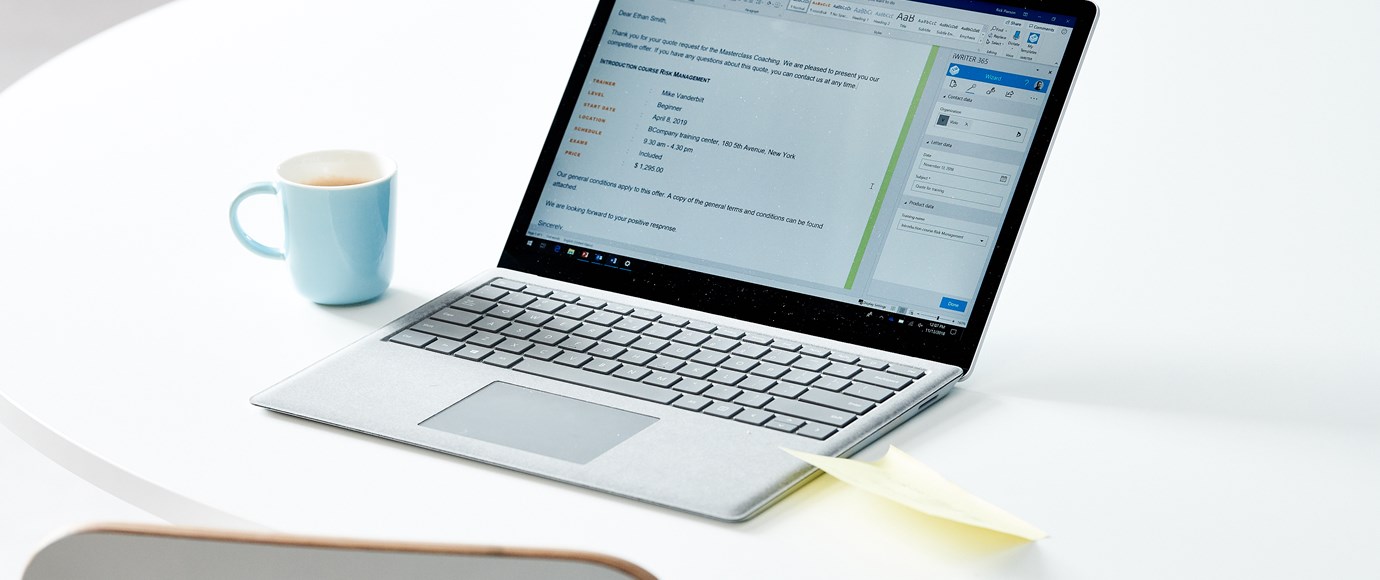
Making use of a Word template is actually very simple. For example, do you often send the same letter? If you make a document template for it in Word, then all you have to do is adjust the salutation and address. You no longer have to think about the design of the document. This means that a template in Word can help you to make fewer mistakes. A large part of the layout that you need to use is already set.
Time saving
In addition, the use of templates in Word is a great time-saver. You no longer have to think about which text belongs where and what was already agreed upon for certain settings in your document. Also you do not have to format all documents and invoices over and over again. All in all it can save you - or your colleagues - a lot of time.
Consistent correspondence
Ultimately, one of the greatest benefits of using templates within larger organizations will be consistency. Ensuring that everyone uses the right documents with the right corporate identity at all times is often not easy. To be professional, however, it is important that every invoice and every letter has the same style. And the easiest way to achieve this, is through the use of a template.
Do you want to make even better use of your Word templates? Then look around on the website what a solution like iWRITER can do with your Word templates, such as automatically integrating with CRM or adding digital signatures.