
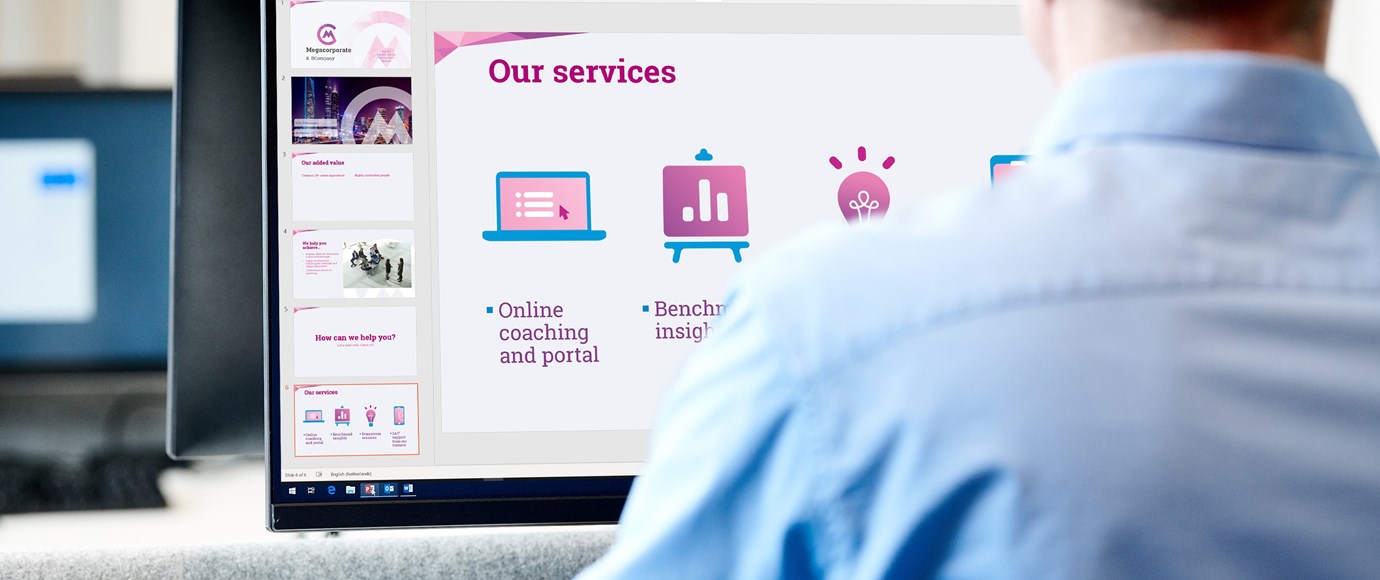
Get rid of document chaos.
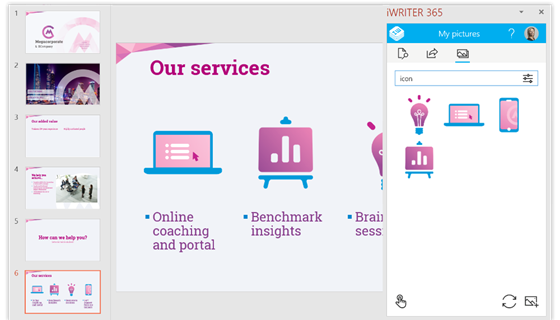
Do your co-workers use different PowerPoint slides with wrong images, logo’s and icons? Do they copy and paste address details or telephone numbers out of old Word documents? Is it hard to create and use templates from a central point? With our app you can get rid of this document chaos.
• Create smart templates with a few clicks. Whether you want to create order confirmations, quotations or annual reports.
• Manage thousands of documents and distribute to divisions and departments worldwide. Without any limitations.
• You create a more productive work environment and a rich template experience.
Modern templates. Increase productivity.
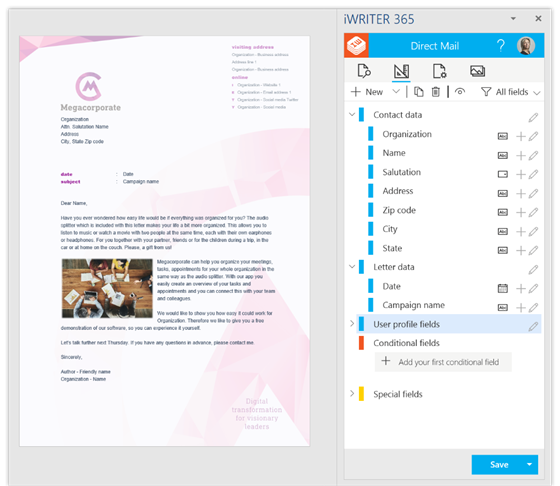
Especially if you are a Microsoft Office 365 user, iWRITER helps you embrace your digital workplace. Starting with our app is easier than you think. Our app appears as an modern-style add-in right next to your Word, Outlook, Excel or PowerPoint interface.
• Designing templates is radically easy – in our app you can switch to design mode. By choosing ‘new project’ you can add new templates or copy existing templates. You can easily add question and answer fields. It is self-explanatory.
• Unique content for your profile – All templates are available and based on your profile. For instance, the sales manager sees all sales & marketing templates. Select your specific template and fill out the requested fields like date and subject. Add images or import external data and your document is ready.
• Share and reach your colleagues worldwide - Save your document to OneDrive for Business or SharePoint Online. You can add your digital signature, send your document by email or print it out.
• Dynamic templates – in templates you can switch between branches, organization structures, languages and sub-brands.