
Efficient
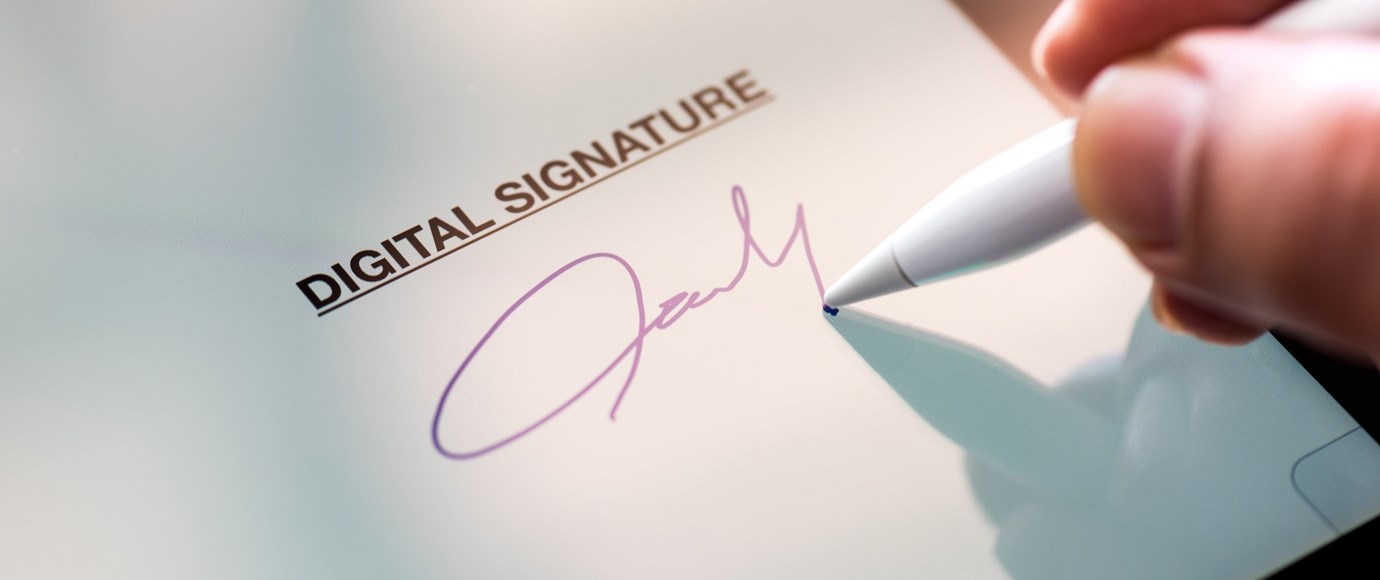
You will no longer require a printer for digital signing. Standing in the queue for a printer then also becomes a thing of the past. You can add digital signatures once in Word, save them and use them as often as necessary. This way you can add your authentic signature to all your Word templates (contracts, invoices) in seconds, without having to perform any extra actions. In addition, a typo error in Word can be solved quickly without having to print and sign the document again. The digital signature in Word saves your employees a lot of time and is also just as valid for business contracts as ink on paper.
User friendly
The hassle of printing and scanning becomes a thing of the past and working becomes a little easier with iWRITER. For an authentic signature, paper is no longer needed, so you save paper. You can simply add a digital signature and/or initials by selecting them in the Word template add-in from iWRITER. If your signature has not been used before, you only need to upload an image to add it in Word. Do you have a tablet? Then you also have the option to draw your signature directly on the screen.
Available everywhere
Whether you work at home, at the office or in a sunny park, you can immediately sign and send all your documents in Word with a digital signature. Your digital signatures, initials and certificates can be used offline as well as online in Word so that they are available anywhere and anytime on all your devices.
Do you also want to use a digital signature in Word Office 365? With the simple add-in from iWRITER you add before, during or after creating a document or template in Word, your signature, initial or personal digital certificate. Contact us for more information or read more about the digital signature.