


Using Existing Excel Templates
Do you need invoices, schedules, calendars or a budget overview? When working with Excel templates, you can download all these examples into Excel from Office.com for free. To make use of this option, go to File> New> Office.com. An example of the requested template can be viewed by simply selecting a template from one of the folders or by using the search option.
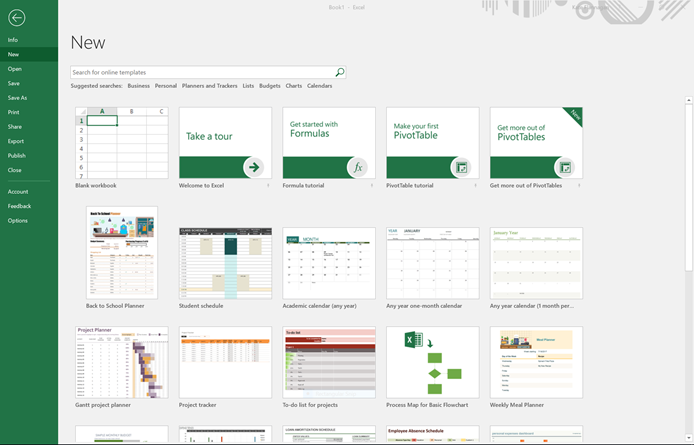
Whether you have only just started using Excel or you are an experienced user, it is easy to simplify your work by applying these Excel templates. With the help of the templates you can make use of complex formulas, various layout styles and other Excel options without actually having to know how it’s done.